
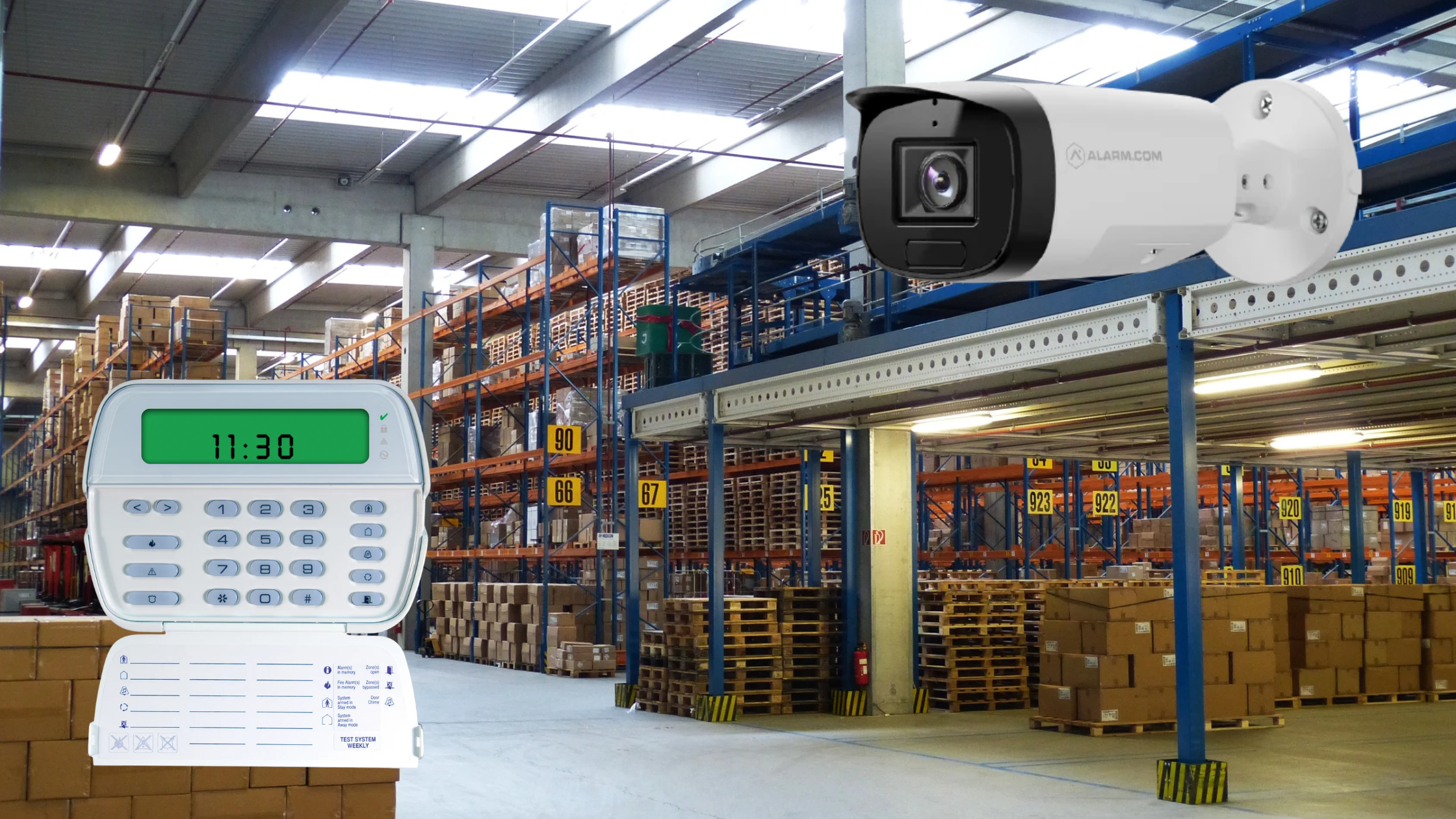
No facility manager or business owner wants to get this call. It’s 3:00 AM, and the monitoring station’s automated voice says Zone 4, the rear warehouse door, has set off an alarm.
They ask you the inevitable question: "Would you like us to dispatch the police?"
If your intrusion alarm and video surveillance are on separate systems, you’re left guessing. If you call the police for a false alarm, you risk a fine. If you don’t call, you might miss a real break-in. Or you could get up, drive across town at night, and walk through a building alone.
Since 1992, ASI has helped businesses avoid these issues. An alarm that just makes noise isn’t enough anymore. To truly protect your facility, your intrusion hardware and camera system should work together. Here’s how connecting video to intrusion can change how you manage security.
Unlocking Security: The Impact of Video Verification
When we design a commercial system, we use the Alarm.com platform to connect your DSC PowerSeries Neo intrusion panel with your camera network.
During installation, we pair each camera with a specific alarm zone. If the rear warehouse door is triggered while the system is armed, the intrusion panel does more than send a basic "Zone 4 Active" signal to the cloud. It tells the camera watching that door to start recording immediately.
Within seconds, you receive an alert on your smartphone. When you open it, you see not just a message but a high-definition video clip showing what set off the alarm.
Actionability: Cancel or Verify
Awareness only helps if you can act quickly. With video and intrusion combined, you can handle a 3:00 AM crisis from your bedroom in under ten seconds.
When you watch the synced video clip on your Alarm.com dashboard, you see exactly what happened. This gives you two clear choices on the same screen:
The False Alarm (Cancel): You watch the video and see the cleaning crew accidentally bumped the back door, or a stack of pallets fell and set off the motion sensor. With one tap, you cancel the alarm. No police are called. No fines. You can go back to sleep.
The Verified Threat (Dispatch): You watch the video and see someone trying to pry open the door with a crowbar. You tap the screen to quickly alert the monitoring station with proof.
This visual proof is important. This visual proof matters to law enforcement. In many areas, police prioritize "video-verified" alarms over regular ones. Because they know a crime is happening, they respond faster, making it more likely they’ll catch the intruder before anything is stolen.
Traditionally, an intrusion system only activates after someone breaks in. A door must be pried open or a window shattered before the alarm goes off.
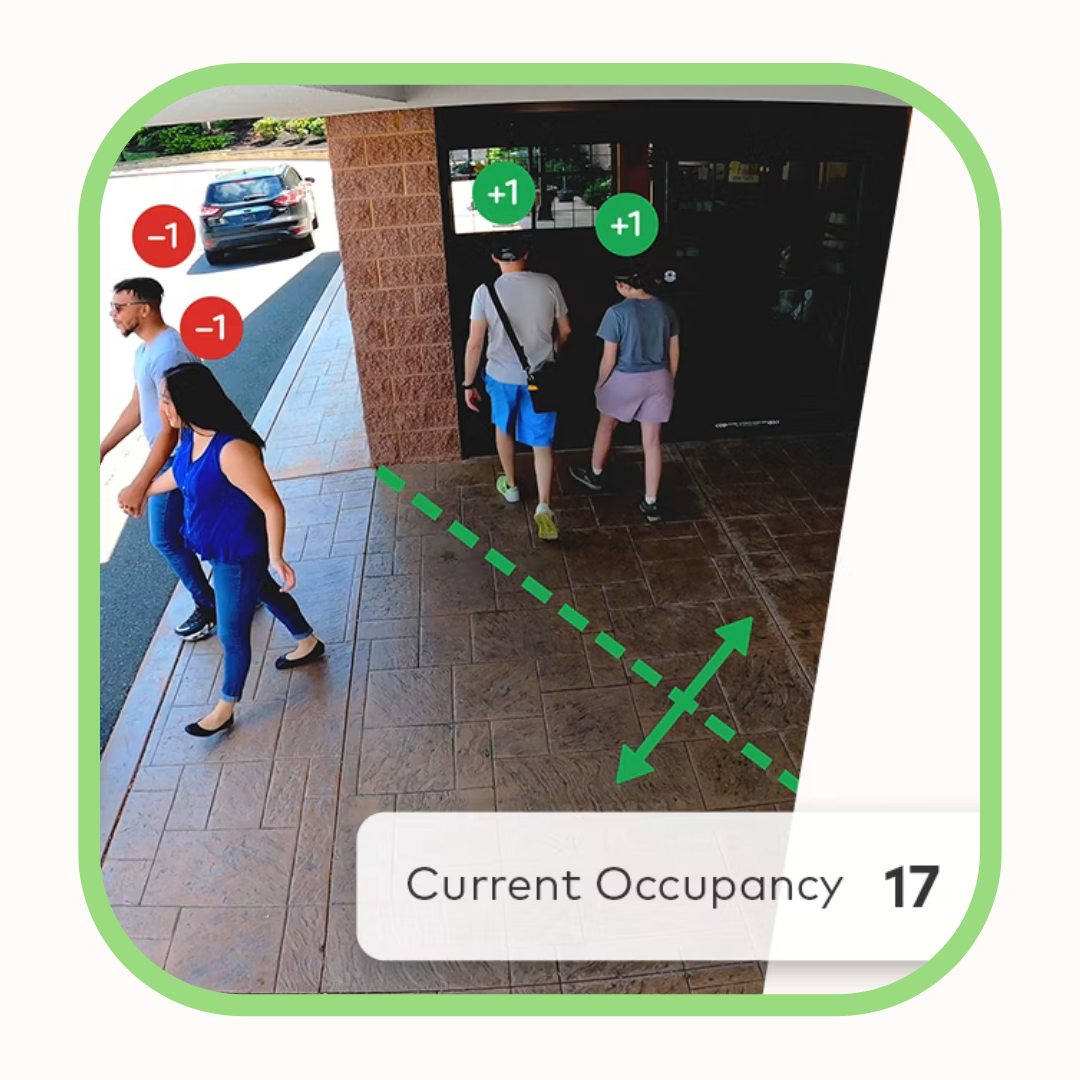
By connecting smart video to your security system, we can move your defense line out to the parking lot. Modern cameras use AI video analytics, so we can set up invisible "tripwires" along your property line or equipment yard.
Since these cameras are part of your main system, they work as early-warning intrusion sensors.
If someone crosses the virtual tripwire at 2:00 AM, the camera does more than record. It triggers a local response immediately.
The camera’s built-in speaker plays a loud warning: "Warning: You are in a restricted area. Security has been notified."
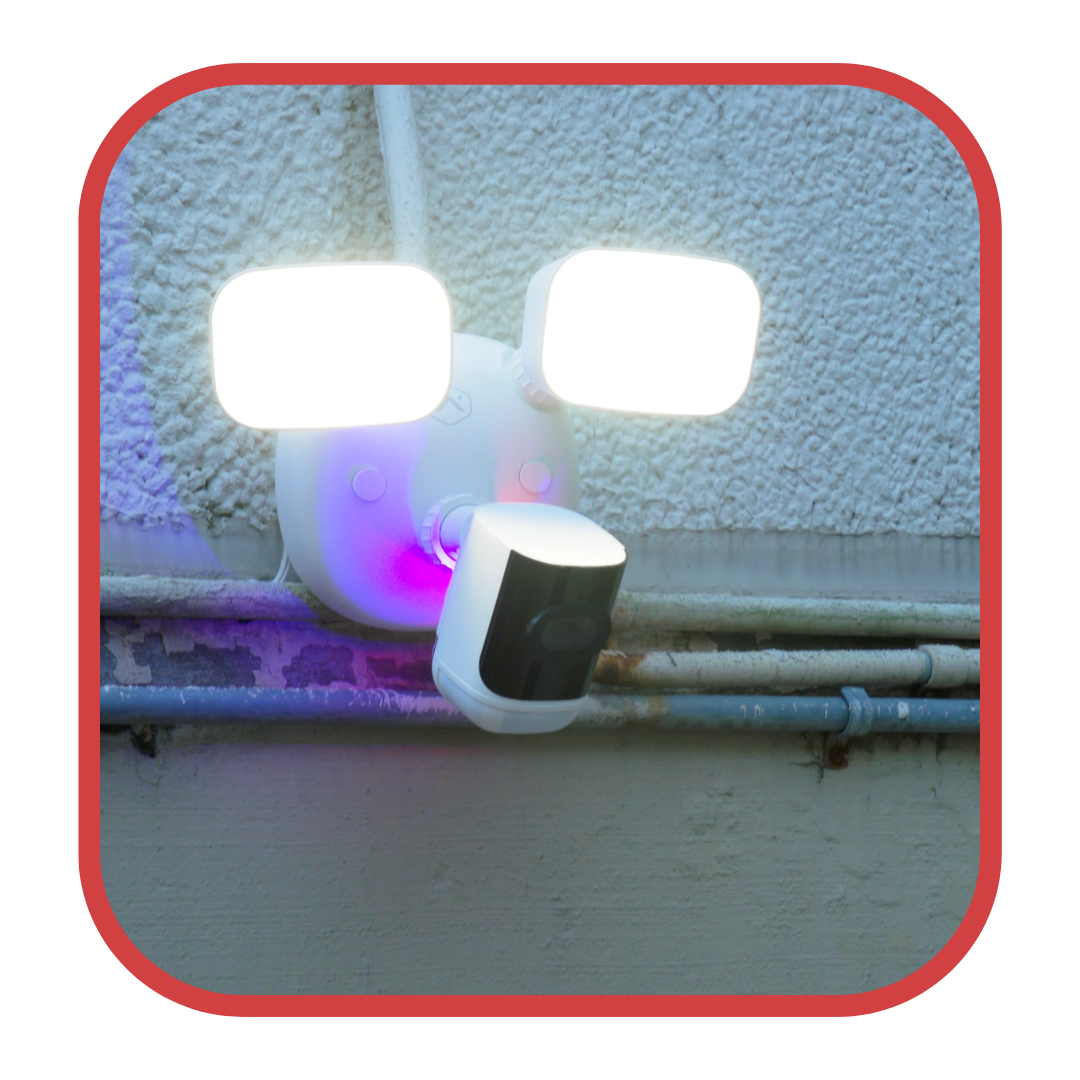
At the same time, the camera tells the Alarm.com system to flash the exterior building lights.
Most of the time, this automatic response scares off the intruder before they reach the building and saves you from expensive property damage.
Even the smallest businesses have complex problems and need real solutions. You don’t have time to manage separate systems, pay false alarm fines, or drive to your facility at night for a false alarm.
Our core philosophy is simple: we give you the awareness, control, and ability to act even when you can’t be there. We find solutions and keep our promises.
If you’re ready to stop guessing and start knowing for sure, now is the time to bring your facility’s systems together.
Blind Alarm vs. Video Verification
See the difference for yourself. Try the interactive simulator below to compare a traditional blind alarm with the ASI unified dashboard. You get instant visual clarity and control.
The 3:00 AM Alarm Simulator
Toggle between a traditional blind alarm and an ASI unified system to see how you would respond to a late-night alert.
No video data available. Monitoring station is requesting dispatch instructions.
Get Unified Security
Tired of blind alarms, guessing, and late-night trips to your facility? Fill out the form below. Our integration team will review your property and show you how to connect your video and intrusion systems.