
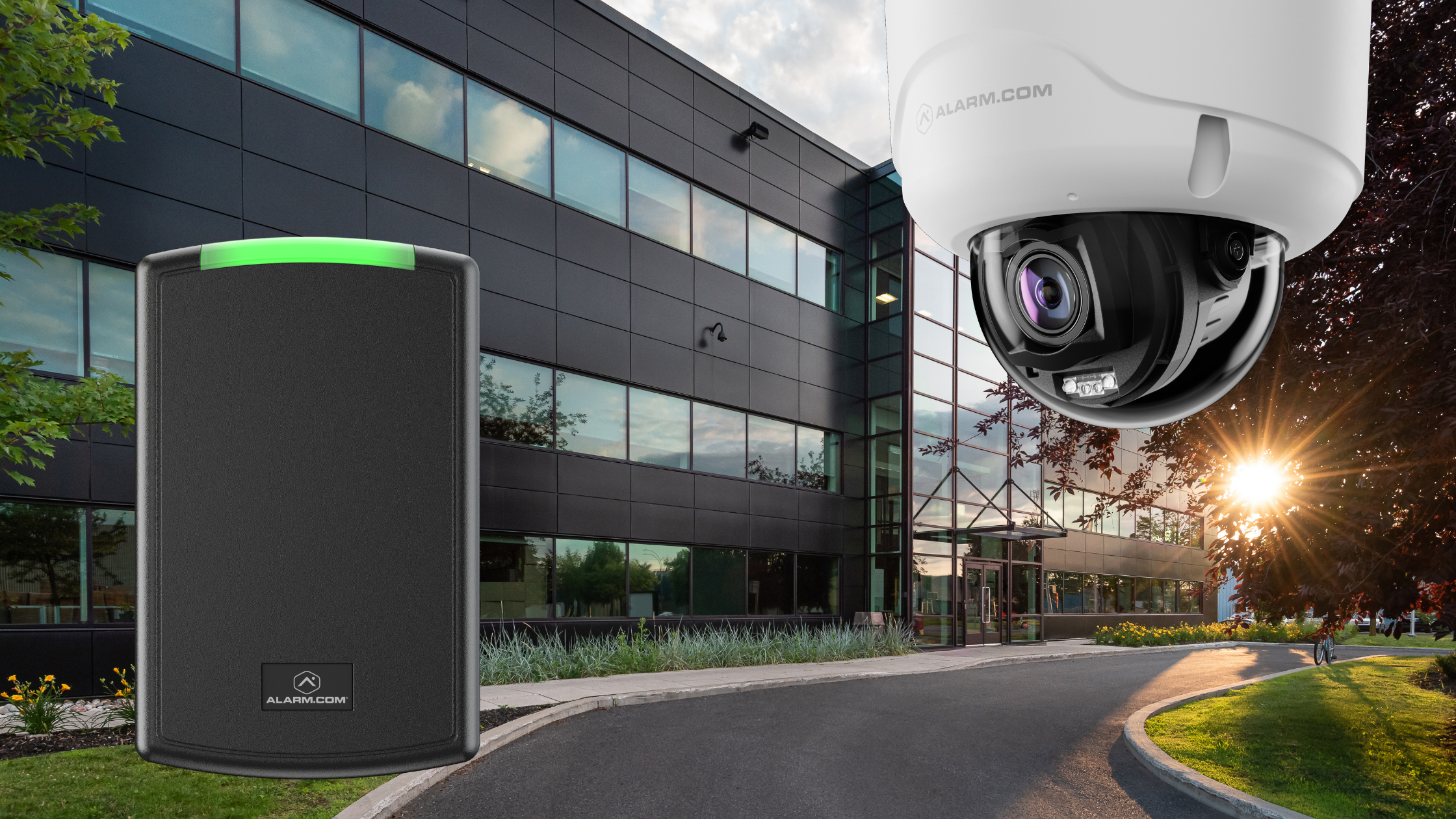
If you manage a commercial facility, you depend on data to make decisions. In physical security, though, incomplete data can be even riskier than having no data.
For years, businesses have set up access control systems, like keypads and card readers, and video surveillance systems, like cameras and NVRs, as separate systems. The access system runs on one platform, while the cameras use another.
When an incident happens, such as a theft in the warehouse or someone entering the loading dock without permission, facility managers have to act like detectives. They need to check the access log to see when a door opened, then go to the camera monitor, rewind the footage, and match times to find out who went through the door. Strong Security Starts When Video and Access Work as One.
Separate systems waste your time and create major security gaps. When you bring access control and video surveillance together on one dashboard, like Alarm.com, you remove the guesswork and gain real certainty. Here’s why these systems need to work together to fully protect your business.
The Flaw of the Standalone Keycard
Access control is great for ditching physical keys and setting schedules. But if you use it alone, there’s a big problem—it only checks the credential, not the person using it. "Employee John Smith" unlocked the side door at 11:30 PM on a Saturday; the system assumes John Smith is in the building. But what if John lent his key fob to a friend? What if John was terminated last week, but he passed his mobile credential to a current employee before he left?
Without video verification, your access log is just a list of key cards being used, not a true record of who is responsible.
This is Why You Need Instant Video Verification
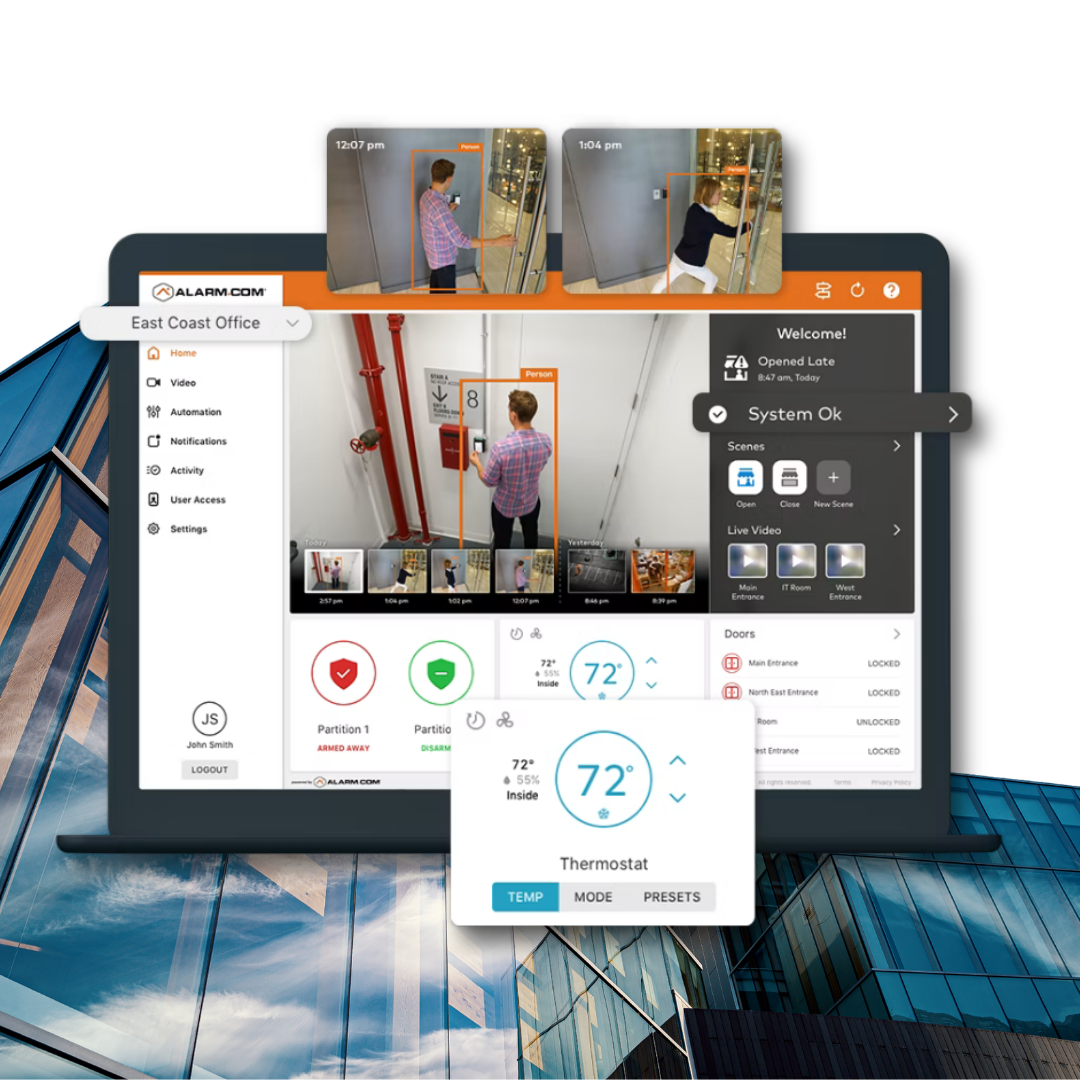
When we set up a unified system for your facility, we link specific cameras to specific doors.
When someone opens a door, the system records that exact moment on the video timeline. When you check your Alarm.com app or dashboard and look at your access log, you see more than just text. Next to each entry, whether it’s "Access Granted," "Access Denied," or "Door Left Open," there’s a small video icon.
When you click that icon, you instantly see a 10-second high-definition clip showing the exact moment the credential was used.
Stopping Credential Sharing: You can immediately check whether the person using the key fob matches the name in the system.
Preventing Tailgating: The access log may show one valid card was used, but the video clip can reveal that three unauthorized people followed the employee through the door before it closed.
Investigating Denied Access: If someone keeps trying to use a deactivated card at the executive office, the log will flag it, and the video will show you exactly who is at the reader.
Manage your remote deliveries with confidence
Bringing video and access control together makes your daily operations run more smoothly and helps you catch unauthorized entries.
Managing vendors and deliveries can be a challenge for facility managers. But a unified system makes it easier. If a freight delivery arrives at your receiving bay while your warehouse manager is busy elsewhere, the driver has to wait or may even leave.
Video and access work together: the driver presses the intercom button, and you get a video call on your smartphone. You check the driver’s identity, tap a button to unlock the bay door, watch them drop off the pallet, and tap again to lock the door as they leave. You don’t have to leave your desk or hand a vendor a physical key.
Real Solutions for Real Security
We create solutions that solve real business problems. When your video and access control systems work together, you stop guessing about your building’s security and start knowing it’s protected.
We find solutions, offer them at a fair price, and keep our promises. If you’re ready to stop playing detective and start managing your facility with unified intelligence, we’re here to help.
Why does syncing video with your access log matter? Try the widget below to see how a text-only log can hide the truth, and how clicking to view the synced video instantly shows what really happened at the door.
Video Verification Simulator
Click on an access log event below to pull up the synced "camera feed" and uncover the real story.
Credential: Sarah J.
Credential: Mark T.
Terminated Fob
Rear Loading Dock
Request Your Unified Security Audit
Are you still running your cameras and doors on separate systems? Fill in the details below. Our integration team will review your facility and show you how to bring your security together on one smart dashboard.