
Drawing the Line: How Virtual Tripwires & Video Analytics Actually Work | ASI
If you have managed a commercial facility with an older video surveillance system, you probably know all about notification fatigue.
With a traditional system, you lock up, set the alarm, and head home. At 2:00 AM, your phone alerts you to motion. You check the app and see only a stray cat in the parking lot. At 3:15 AM, it buzzes again, this time because heavy rain passes in front of the camera. By the time a real threat shows up at your loading dock at 4:30 AM, you have already muted your phone and gone back to sleep.
If your security cameras cannot tell the difference between a falling leaf and a trespasser, your system turns into a liability instead of a protective tool.
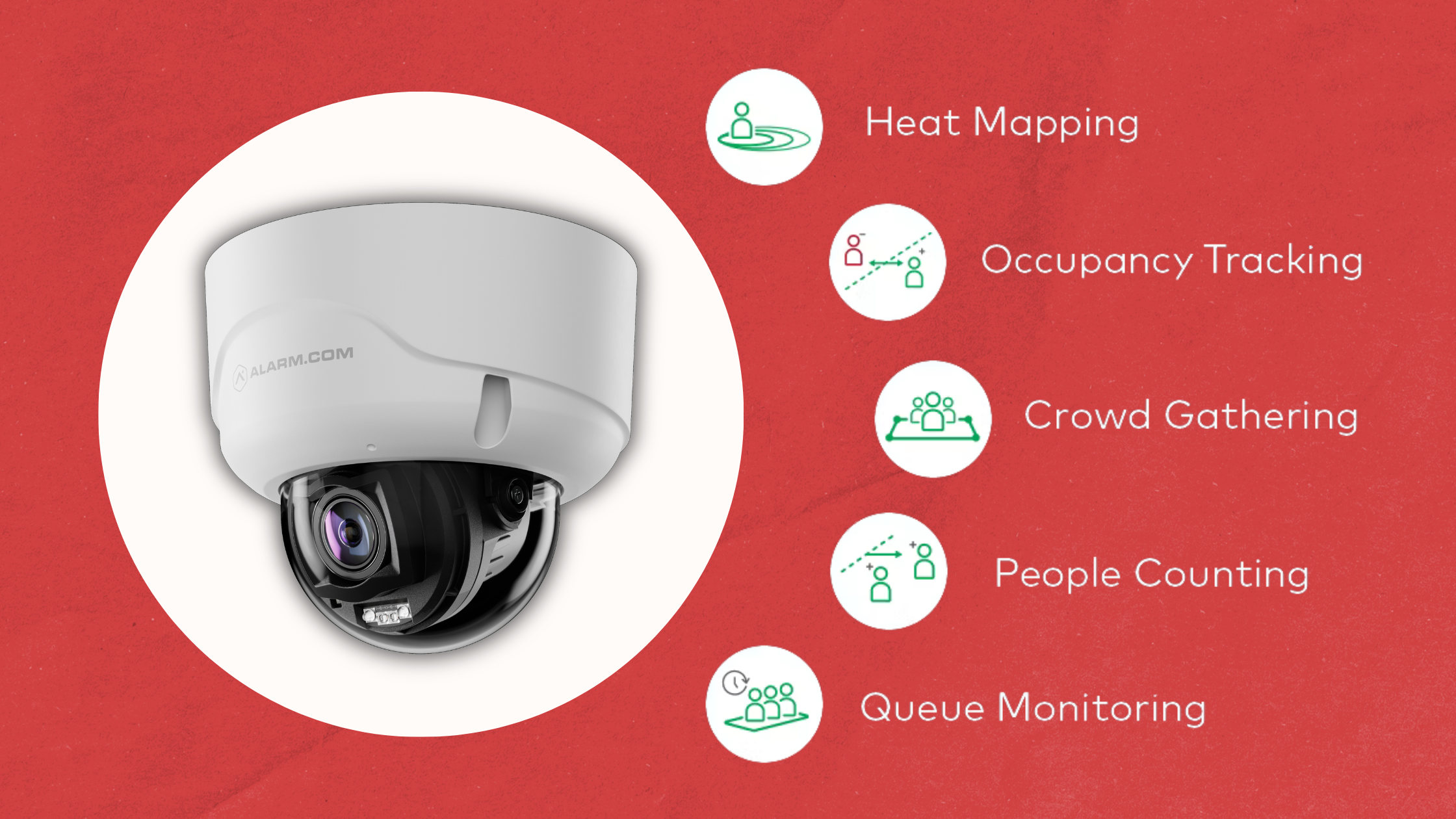
Modern commercial security addresses this problem with Alarm.com Video Analytics. Rather than relying on traditional motion detection, we use edge-based artificial intelligence (AI)—AI algorithms running directly on the camera hardware—to interpret activity, filter out distractions, and let you set specific rules for your property.
Let’s take a closer look at how virtual tripwires, ground zones, and object classification work together to protect your facility.
The Brains of the Operation: Object Classification
To see how tripwires work, it helps to know how the camera processes what it sees.
Older cameras use basic pixel-change detection. If the pixels on the screen change color or move, whether from a shadow, headlights on a puddle, or a spider web in the wind, the camera records a clip and sends an alert. The camera cannot tell what moved; it only knows that something did.
Alarm.com commercial cameras, such as the Prism Series and ADC-VC series, use advanced edge-based AI chips for Object Classification. The camera scans images in real time and sorts moving objects into three groups:
People
Vehicles
Animals
This classification is the key to proactive security. It lets an ASI technician set your system to send alerts only when a PERSON is detected in a certain area, while ignoring vehicles and animals. This simple change can eliminate 99% of false alarms right away.
Virtual Tripwires (Directional Security)
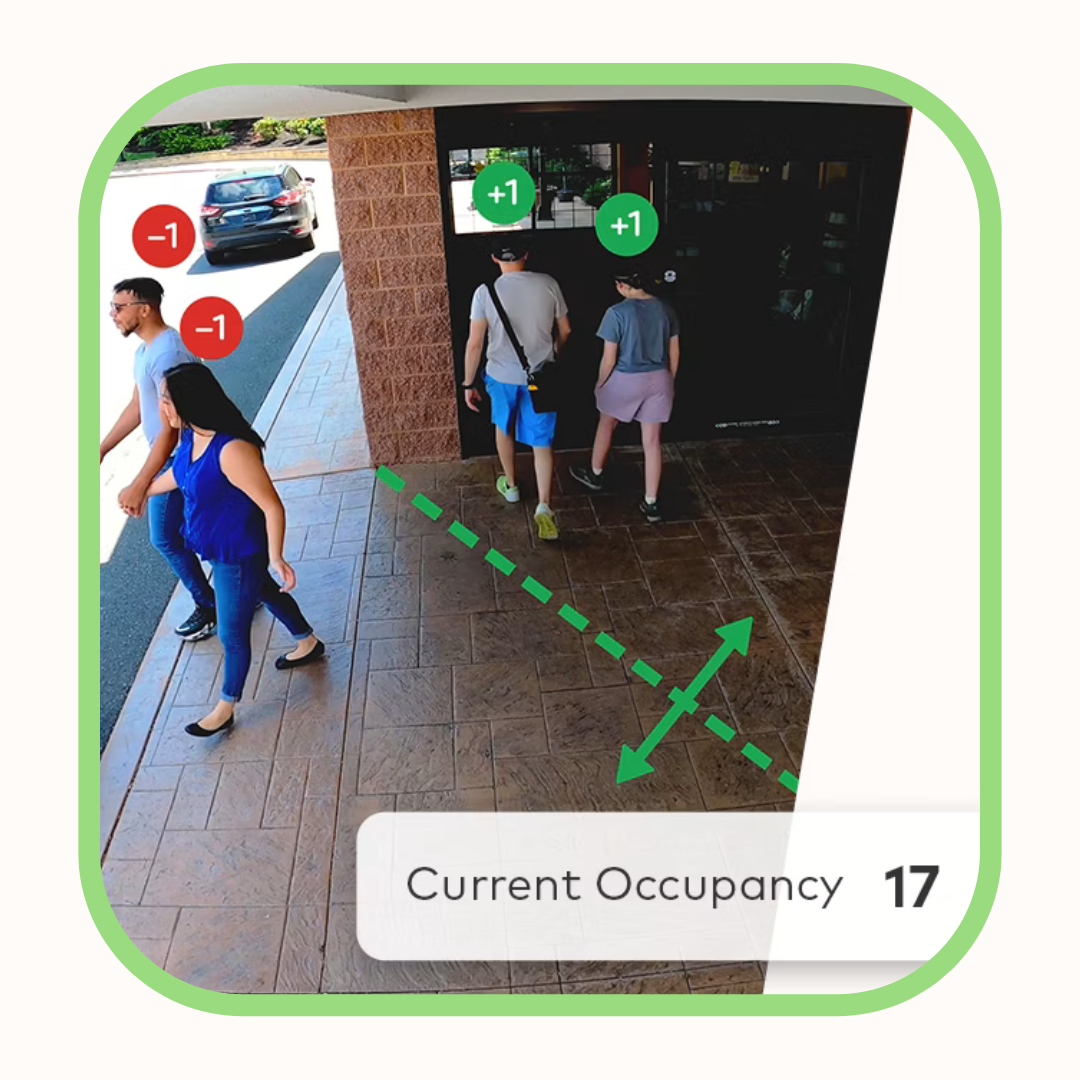
A Virtual Tripwire is just what it sounds like: an invisible digital line you draw on your camera’s view using the Alarm.com dashboard.
Unlike a physical laser beam, a virtual tripwire uses smart directional logic. You can decide which direction counts as a security breach.
For example, imagine you want to secure the perimeter fence of an industrial equipment yard. Our technicians draw a digital tripwire along the top of the fence. We then set the system to trigger only if something crosses from outside the fence to the inside.
If an employee walks out of the yard to retrieve something from their car, the system notes the event but does not sound an alarm.
If someone jumps the fence from the street into the yard, the system detects the rule has been broken and sends an immediate priority alert.
Tripwires work well for monitoring entry and exit points like loading dock ramps, narrow alleys, driveways, and fence lines.
Ground Zones (Dwell Time & Loitering)
Tripwires are meant to catch objects crossing a line, while Ground Zones watch for objects that stay in a certain area.

With a Ground Zone, you can draw a custom shape over any area of your property, like a dumpster enclosure, an employee side door, or a fire lane. You then set a Dwell Time rule for that zone.
For example, if you manage a multi-tenant office building and have problems with unauthorized vehicles parking in the loading zone and blocking deliveries, a standard tripwire will not help because delivery trucks need to enter that area. Instead, we draw a Ground Zone over the loading bay and set a rule: "Alert management if a vehicle stays in this zone for longer than 15 minutes."
When a FedEx truck pulls in, drops off packages for 5 minutes, and leaves, the system ignores it.
If an unauthorized car parks there for 20 minutes, the Dwell Time limit is reached, and the facility manager gets an instant alert with a video clip so they can call a tow truck.
Ground Zones are a great way to prevent loitering, protect valuable outdoor equipment like HVAC units or generators, and keep important pathways clear.
From Detection to Active Deterrence
Accurately spotting a threat is only part of the solution. The other part is how you respond.
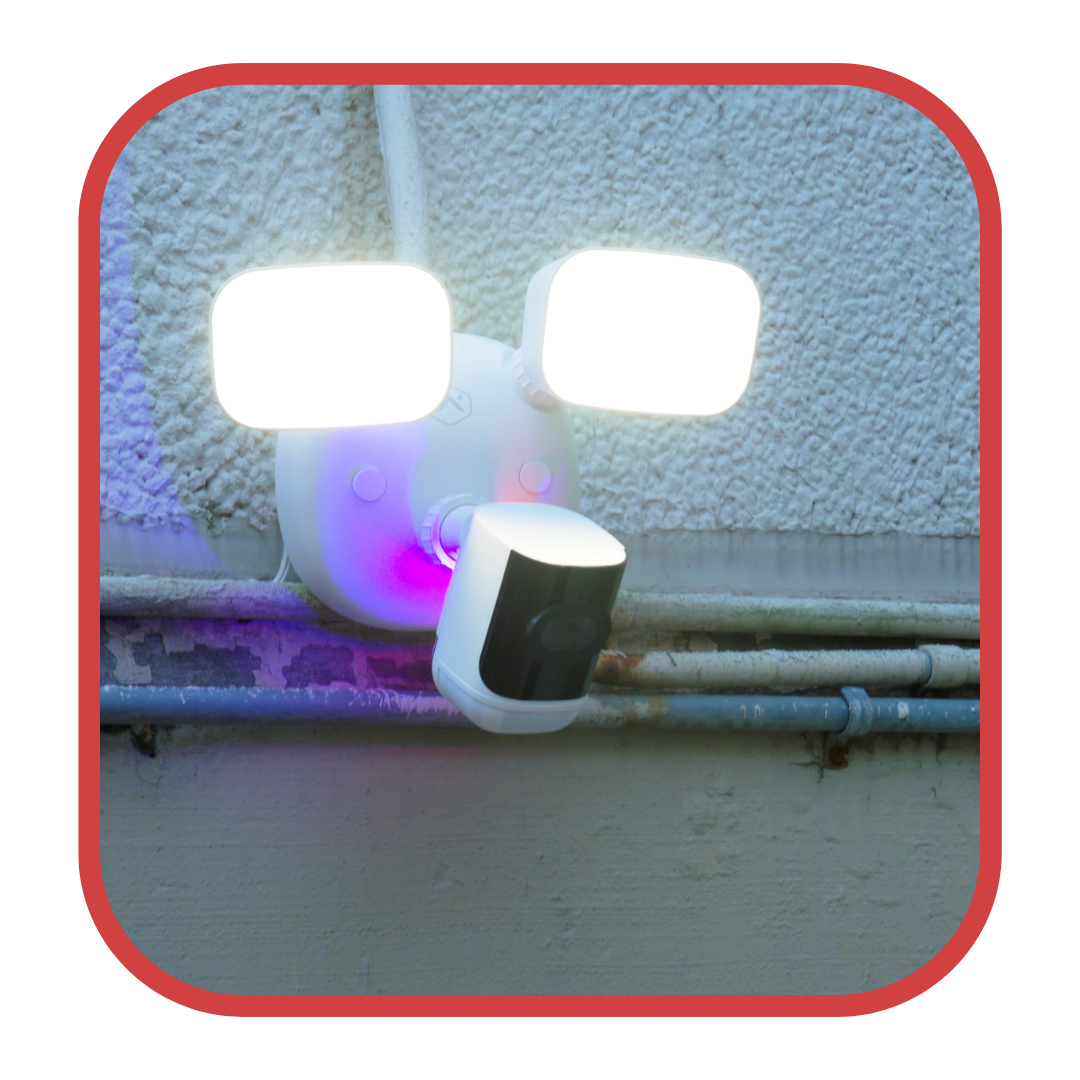
Because Alarm.com Video Analytics is integrated within a unified security ecosystem, the system can automatically coordinate multiple security responses when a tripwire is breached or when an object exceeds the allowed dwell time in a ground zone. This integration enhances situational awareness, streamlines incident response, and ensures alerts and deterrent measures are reliably and efficiently deployed across all connected devices in your facility.
Audio/Visual Warnings: The moment a person crosses a tripwire after hours, the camera can flash a brilliant red/blue strobe light and sound an onboard warning siren to deter the intruder instantly.
Lighting Integration: The camera can work with your smart automation to instantly turn on your facility’s exterior floodlights or lobby lights, making it harder for trespassers to hide.
Priority Escalation: The system can override your muted notifications, send a critical alert to your phone, and forward the high-definition clip to our 24/7 monitoring station for immediate police response.
Invest in Proactive Intelligence
Your business needs more than a camera system that sends false alarms every time the wind blows. With AI-powered object classification, directional tripwires, and smart ground zones, you can have peace of mind and know that when your system alerts you, it is something important.
Request Your Video Analytics Audit
If you are tired of false alarms or have areas in your facility that need focused, smart monitoring, fill out the form below. We will review your property layout and create a custom video analytics plan for your business.