
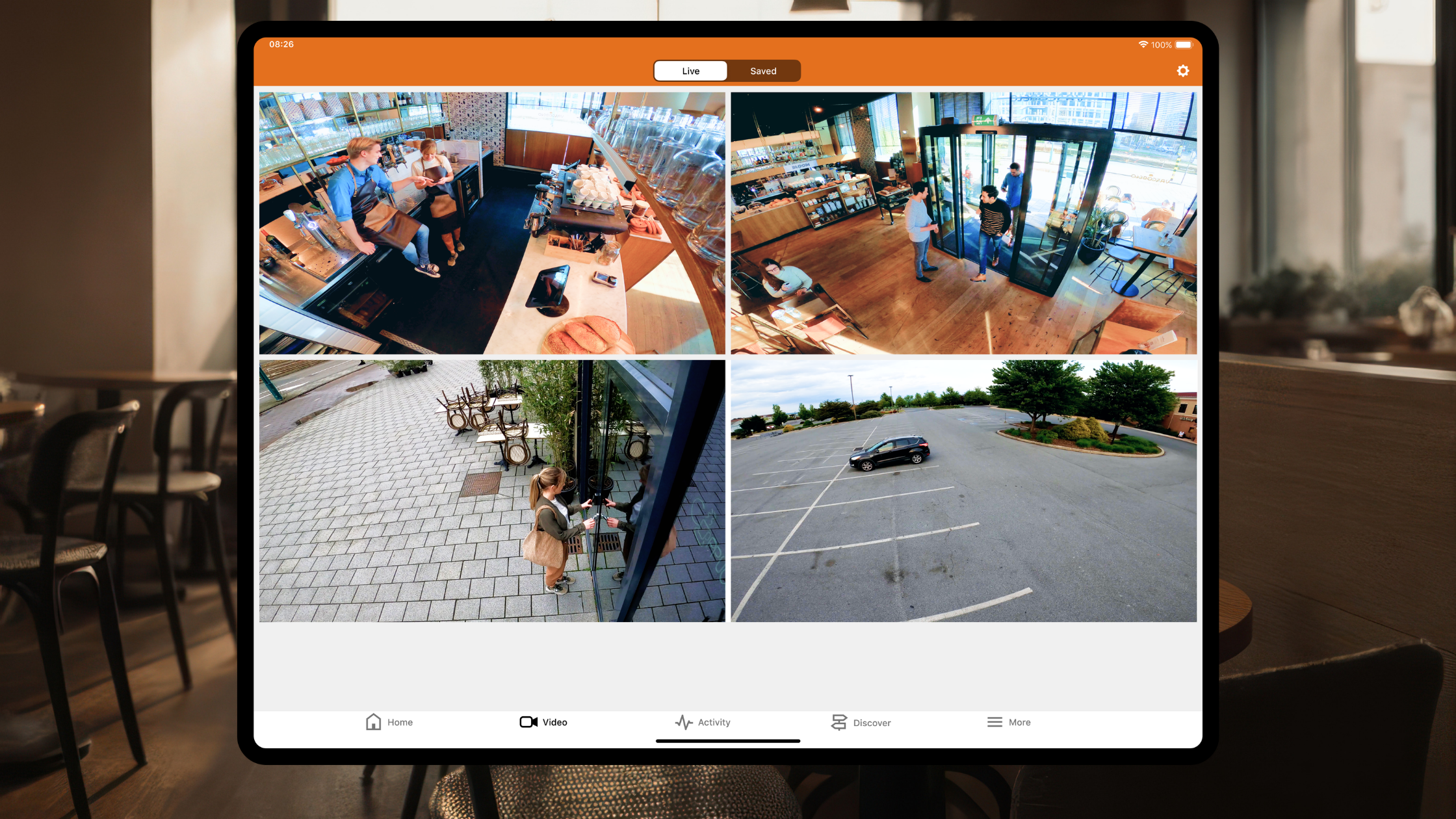
Commercial camera systems are commonly marketed for worst-case scenarios, including deterring break-ins, identifying vandalism, or providing evidence for liability claims.
While perimeter defense and asset protection are crucial, catastrophic emergencies account for less than 1% of your operating hours.
If your cameras provide value only during that 1% crisis window, you are leaving 99% of your technology's return on investment on the table.
Modern commercial surveillance is now an active operational intelligence tool. With the Alarm.com Business Activity Analytics (BAA) ecosystem, your cameras support daily operations by optimizing staff scheduling, reducing customer bottlenecks, and delivering actionable insights about facility activity.
Below are key ways your commercial cameras can add value to your business every day.
Virtual Tripwires & Directional Foot Traffic Counting
Facility managers often view virtual tripwires as perimeter alarms only. However, during business hours, virtual trigger lines provide highly accurate traffic auditing.
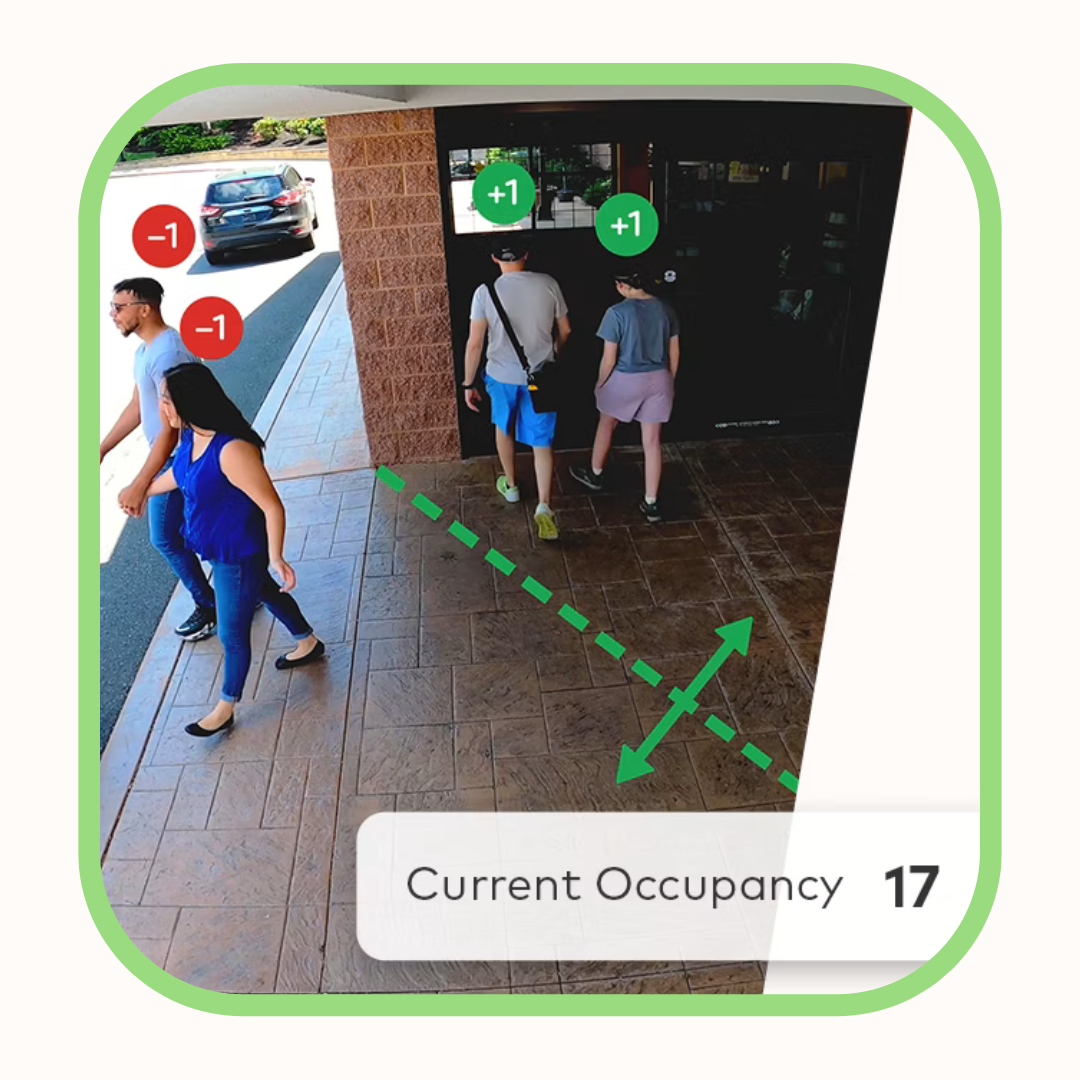
By placing an invisible line across entry points, your camera functions as an automated, non-intrusive counting sensor.
Directional Differentiation: The camera’s AI distinguishes between someone walking in and someone walking out.
Operational Staffing Optimization: Automated foot traffic reports help you schedule staff based on actual customer entry patterns, guaranteeing coverage matches demand.
Logistics & Loading Dock Flow: In warehouses, tripwires across loading bays monitor delivery vehicle volume, turnaround times, and dock door usage.
Ground Zones & Dwell Time Analytics (Heat Mapping)
Understanding how people use your space is essential, whether you manage a retail showroom, corporate lobby, or manufacturing floor.
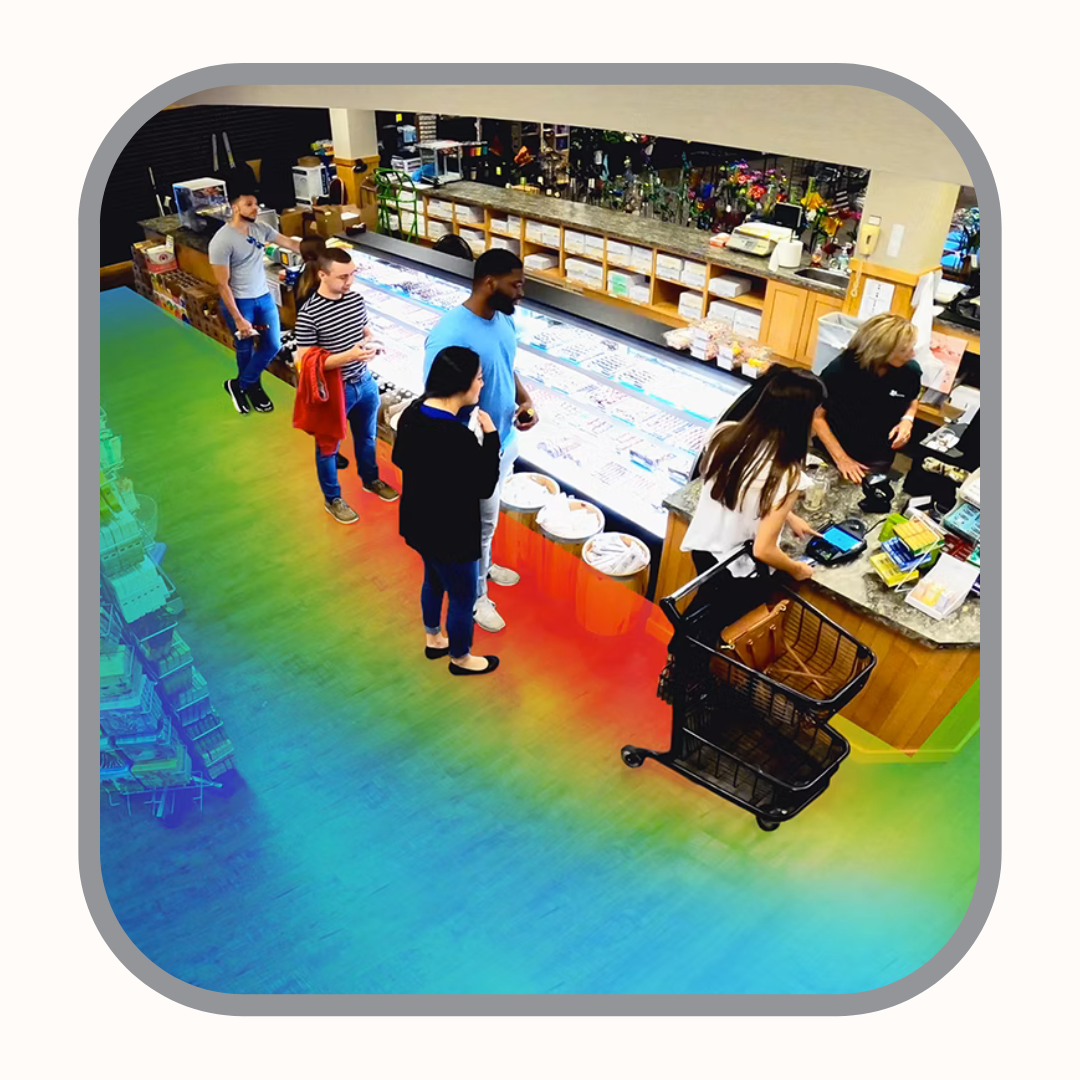
Ground Zones let you define specific areas on your floor plan to measure dwell time, tracking how long a person or vehicle stays in a given location.
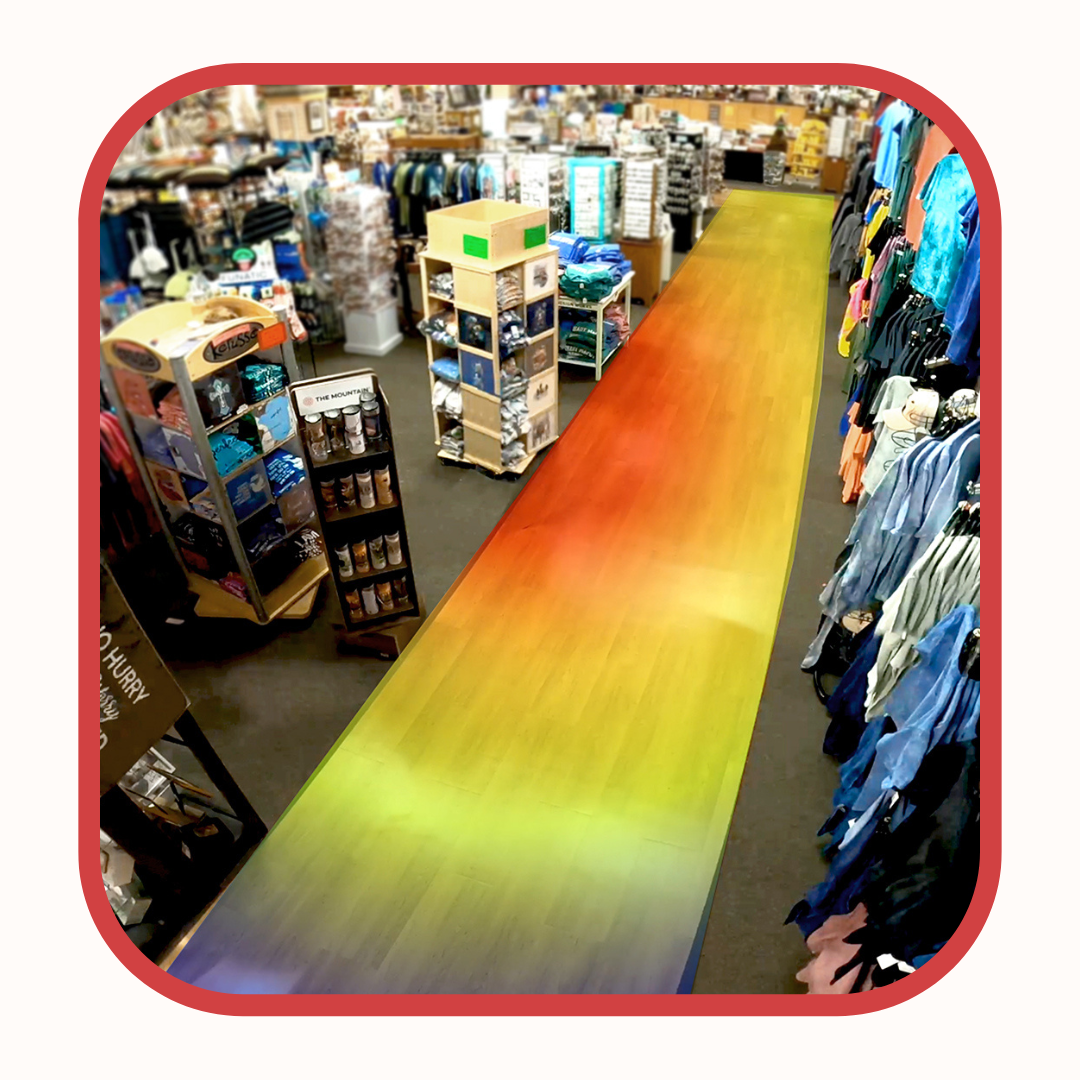
Retail & Display Optimization: Dwell analytics deliver heat-mapping data to show where customers spend time, enabling you to optimize merchandising layouts based on actual behavior.
Workplace Efficiency & Chokepoints: Excessive dwell time in specific areas can indicate operational bottlenecks. Reviewing heatmaps helps managers optimize equipment placement and improve workflow.
Queue Monitoring: Protecting the Customer Experience
Unmanaged lines can quickly diminish customer loyalty, especially when staff are unavailable.
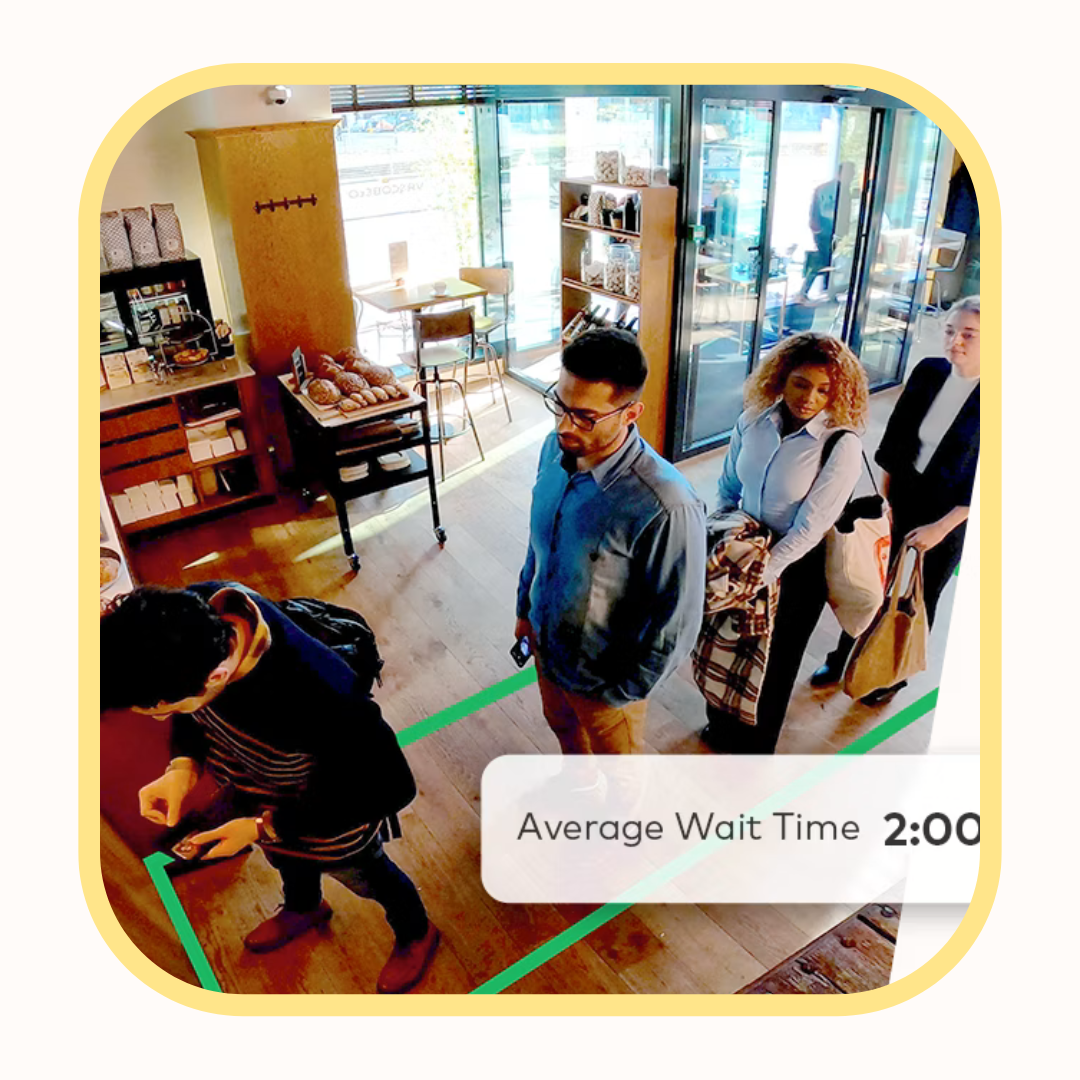
Queue Monitoring uses overhead cameras to supervise customer service in real time. Define waiting areas such as checkout lines, teller counters, or drive-thru lanes for monitoring.
Real-Time Queue Alerts: Set custom thresholds so the system sends immediate mobile alerts to supervisors when queues exceed set limits or wait times.
Proactive Response: Management can open additional registers before queues grow, improving the customer experience through proactive service.
Interactive Floor Plan Mapping: Total Facility Visibility
Switching between multiple camera feeds on a small screen can be inefficient. Alarm.com handles this using Interactive Floor Plan Mapping.
ASI technicians upload your building’s architectural layout to your enterprise dashboard, placing cameras, smart locks, access doors, and sensors at their precise locations on the map.
Visual Context at a Glance: Click directly on the interactive floor plan to view live feeds from specific rooms, eliminating the need to memorize camera names.
Status Overlay: The map displays real-time occupancy, door status, and temperature readings across all building zones, providing operational awareness from a single screen.
Smart, Context-Aware Daily Notifications
Traditional cameras often generate excessive motion clips. Alarm.com commercial cameras use edge-based intelligence to deliver only relevant operational updates for your workflow:
Vendor Delivery Confirmations: Receive a video snapshot when a vendor truck arrives, allowing you to verify deliveries remotely.
Opening & Closing Verification: Receive notifications confirming timely staff arrivals or alerts if no movement is detected by a set time.
Restricted Area Dwell Alerts: Get notified if an unauthorized person remains near sensitive areas for more than a set duration during business hours.
Changing Passive Video Into Operational ROI
Security hardware should not remain idle until an incident occurs. When properly integrated, your video surveillance system can enhance operations, reduce labor costs, and increase customer satisfaction.
ASI Security Solutions designs unified commercial systems that protect your business during emergencies and support your team at all times.
Request a Camera Optimization Audit
Is your current camera system underutilized? Complete the form below. Our integration team will demonstrate how to activate Business Activity Analytics, virtual tripwires, and queue monitoring for your property.