
Beyond the Basics: Unlocking the Newest AI Features in the Alarm.com App | ASI
Most business owners use their commercial security app for basic tasks such as arming or disarming the panel and checking live camera feeds.
The Alarm.com ecosystem continues to evolve, offering new features that make facility management faster, smarter, and more efficient. Recent Artificial Intelligence (AI) updates provide practical tools that reduce notification fatigue and save facility managers significant time.
If you have not reviewed your app’s menu recently, you may be missing valuable operational upgrades. Below is an overview of the latest features you should consider enabling!
1. Familiar Face Analytics: Curing Notification Fatigue
In a busy commercial facility, standard motion alerts often lack value. Even basic AI notifications, such as identifying a "Person" at the back door, can become overwhelming if you receive frequent alerts for routine employee activity.
How it Works:
The new Familiar Faces feature enhances video analytics with advanced facial recognition. Compatible cameras, such as the VDB775, learn to recognize frequent visitors over time. You can review captured faces in the app and assign names to them, tagging shift managers, regular vendors, or delivery drivers.
The ROI:
This feature provides more context for notifications. Instead of receiving a generic alert such as "Person at Loading Dock," your lock screen will display, "Chris at Loading Dock."
Even better, you can customize your alerts based on this data. You can set the system to ignore Known Individuals and only ping your phone when an unknown person approaches a restricted area. It assures that when your phone vibrates, it is actually an event worth your attention.
2. AI Video Event Search: The End of the "Infinite Scroll."
A common challenge in commercial video surveillance is locating specific footage. For example, if a tenant reports a scratched vehicle or a missing delivery, facility managers often spend significant time manually reviewing hours of footage to find a brief event.
How it Works:
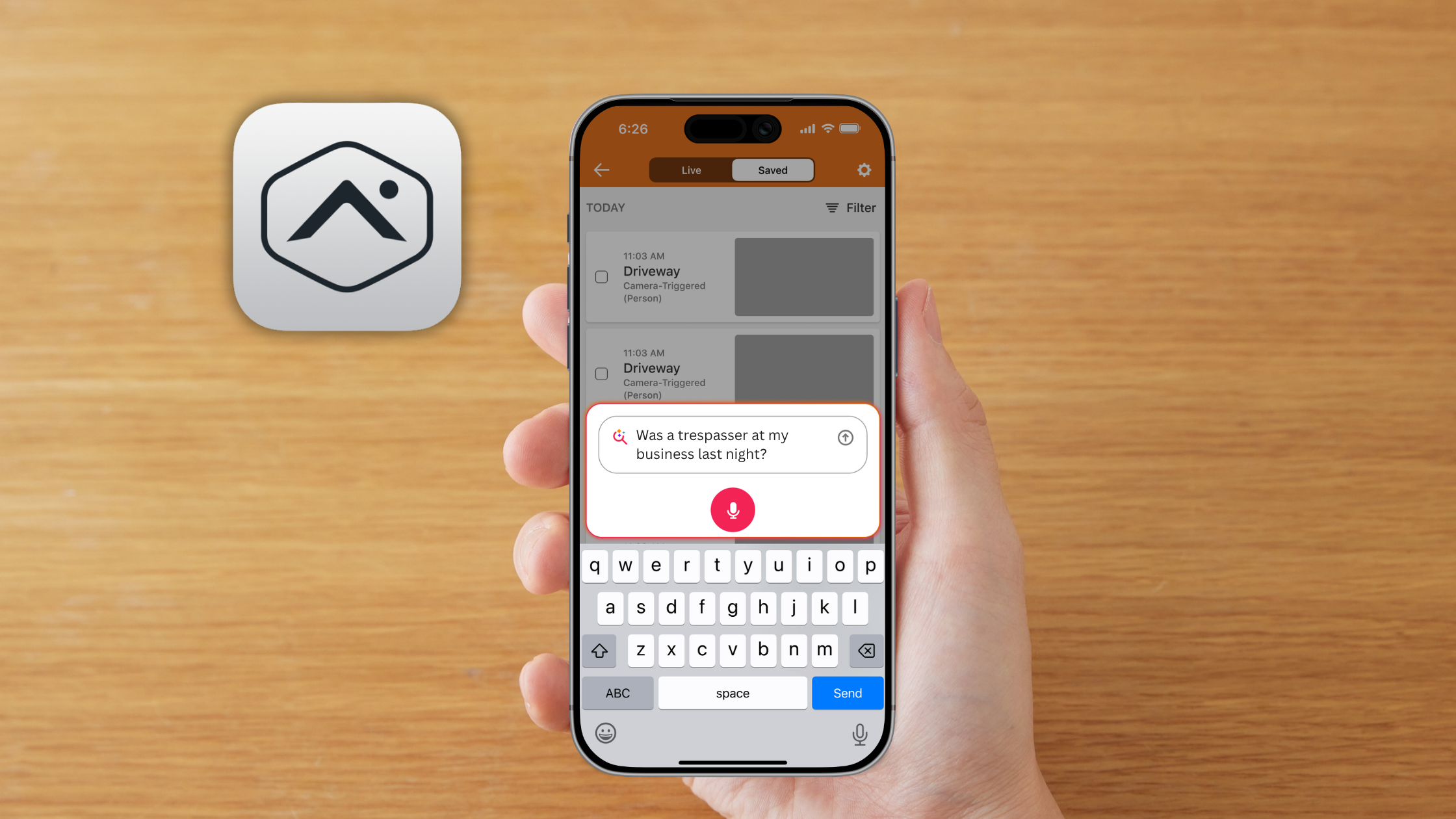
AI Video Event Search lets you search your saved video history using natural language. Powered by generative AI, you can enter specific queries in the app’s search bar to locate desired footage.
The ROI:
Instead of searching by timestamp, you can enter queries such as:
"Red pickup truck last week."
"Person in a black jacket Tuesday night."
"Food delivery at the front door"
The system analyzes saved video thumbnails and identifies moments that match your description. You can also use voice-to-text in the mobile app to request specific footage, reducing search time from hours to seconds.
The Hidden Gems: Powerful Micro-Features
Some recent updates may not be widely publicized, but small enhancements can significantly improve your daily workflow. Below are several new background features that enhance building management:
Automation Suggestions
If programming smart rules has been challenging, the new Automation Suggestions feature simplifies the process. The app analyzes your daily habits, such as arming the system or adjusting the thermostat, and presents personalized, pre-built rules at the top of your screen. You can accept these suggestions with a single tap to automate routine tasks.
Managing Your Facility from the Driver's Seat
You can now access your security dashboard while on the road. Alarm.com integrates with Android Auto and Apple CarPlay, allowing you to use one-tap controls from your vehicle’s infotainment display. This enables you to open commercial gates or activate scenes without handling your phone.
Making Edits While Armed
Previously, administrative changes required disarming the entire building. With recent updates to panels such as the GC Touch, administrators can now log in and edit user codes or revoke access permissions while the system remains armed, maintaining security during personnel management.
Keep Your Business on the Cutting Edge.
Technology becomes valuable when integrated into daily operations. With a cloud-based platform like Alarm.com, your commercial security system continually improves and gains new capabilities each month.
If you are ready to upgrade from outdated DVRs and leverage AI for facility management, we are here to assist. Contact the ASI team to confirm hardware compatibility with the latest updates or to design a future-ready security solution.
Want to get more out of your current setup?
Can you walk me through the steps to enable and tag Familiar Faces in my Alarm.com mobile app?
How can I tell if my existing commercial cameras are compatible with Alarm.com's new AI Video Event Search and Familiar Faces features?