
Guide 1: Arming & Disarming Your Facility - Mastering Your DSC PowerSeries System | ASI
Arming your building shouldn't be a source of stress at the end of a long shift. Your DSC keypad offers several specific modes to match how your facility operates on any given day.
How to Arm Your System-
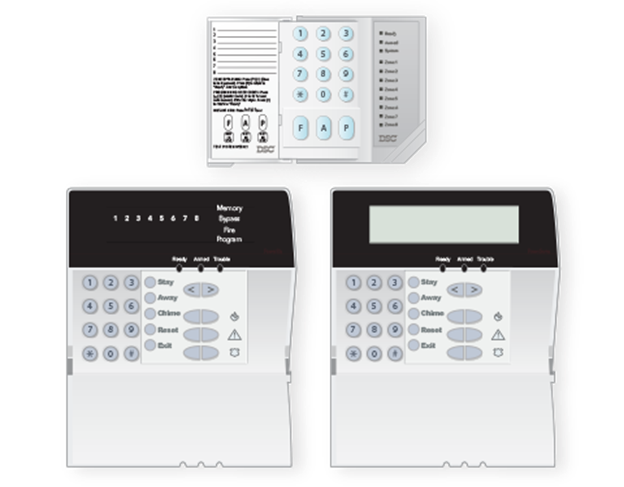
AWAY Mode (Total Security): Use this when the building is completely empty. It secures the perimeter and activates all interior motion sensors. Press and hold the [AWAY]button for two seconds.
STAY Mode (Working Late): Perfect for when employees are working late, or a cleaning crew is on-site. It arms the exterior doors but safely bypasses interior motion sensors. Press and hold the [STAY] button OR enter your [security code]without opening an exterior door.
NIGHT Mode (High-Security Perimeter): This specialized mode arms both the interior and exterior and is often used in highly restricted areas. First, arm the system in STAY mode, then immediately press [*] + [1].
Quick Arm (No Code Required): If an employee needs to lock up but doesn't have a code, they can simply press [*] + [0] to arm the building. (Administrators can enable/disable this feature by entering [] + [9] + [Master Code] + [4]).*
How to Disarm Your System Enter through your designated entry door and simply type your 4-digit[security code].
Next: Security Codes - Guide 2: Managing Security Codes Safely